
Docker and AI in Containers using Ollama
Real Use Case
Using Docker as an environment and Ollama as a containerized application with a specific model, e.g. Phi-3.
What is Ollama
A tool that lets you run LLMs locally. It is often based on the llama.cpp engine.
It handles:
- downloading models
- managing versions
- serving an API
It runs as a server on port 11434.
Ollama inside Docker
Docker creates a container (an isolated environment). It is easy to start, stop, and remove, and it keeps the environment isolated from the system. In this approach, you use the Docker CLI.
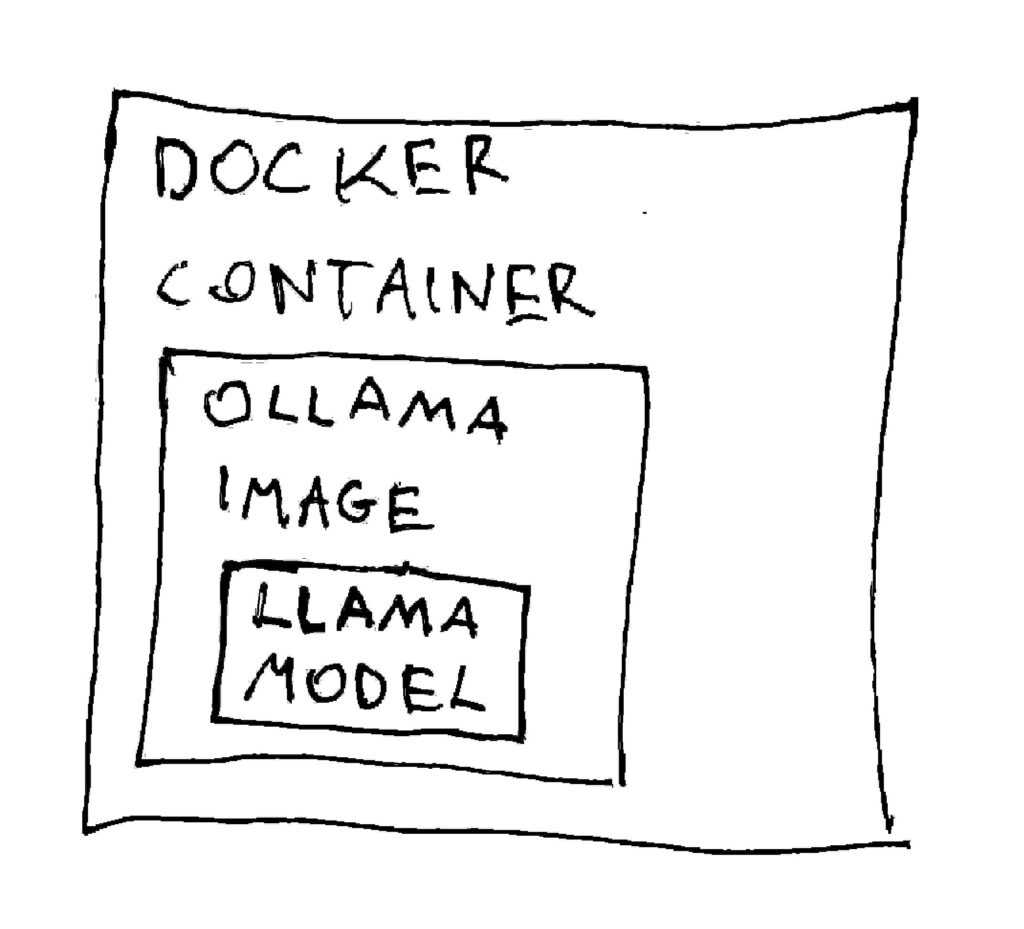
Running LLM on Linux
is basically about running a container that serves a model.
NOTE:
This approach doesn’t use a GPU because my hardware doesn’t have one.
- Pick a backend (simplest: Ollama-based).
A common “DMR-like” setup uses Ollama inside Docker.
docker run -d \
  -p 11434:11434 \
  --name ollama \
ollama/ollamaThis command starts the Ollama engine/server inside a Docker container. It does not download or start a specific LLM model yet.
- Pull and run a model (phi3-mini)
docker exec -it ollama ollama run phi3:miniIn the first step, Docker executes the Ollama server/container, and then Ollama pulls and runs the phi3:mini model with around 3B parameters, which is a good option for lower-resource hardware.
- Voilà! You are running an LLM locally on your machine!
If you want to open prompting into the model again, run the command from step 2 again.